
Accounts payable in Python — DPO, late payments and duplicate invoices
To analyse accounts payable in Python, load the supplier invoices, payments and suppliers into pandas, give each invoice a due date from the supplier's terms, take what is owed at a date, then match payments to invoices to see how early or late suppliers were paid. The same table finds invoices posted twice. The 48 lines of pandas below do this on a DATA DARE payables practice set — a retailer with 108 suppliers — and the results agree with the answers in the set's Question Book.
The sets live now

Mizan Retail: Who We Owe and When We Pay — Accounts Payable & Payments
Read a payables book the way a finance team does: what is owed to suppliers and when it falls due, AP ageing, DPO, paying on time, early or late, payment runs,...
Get the data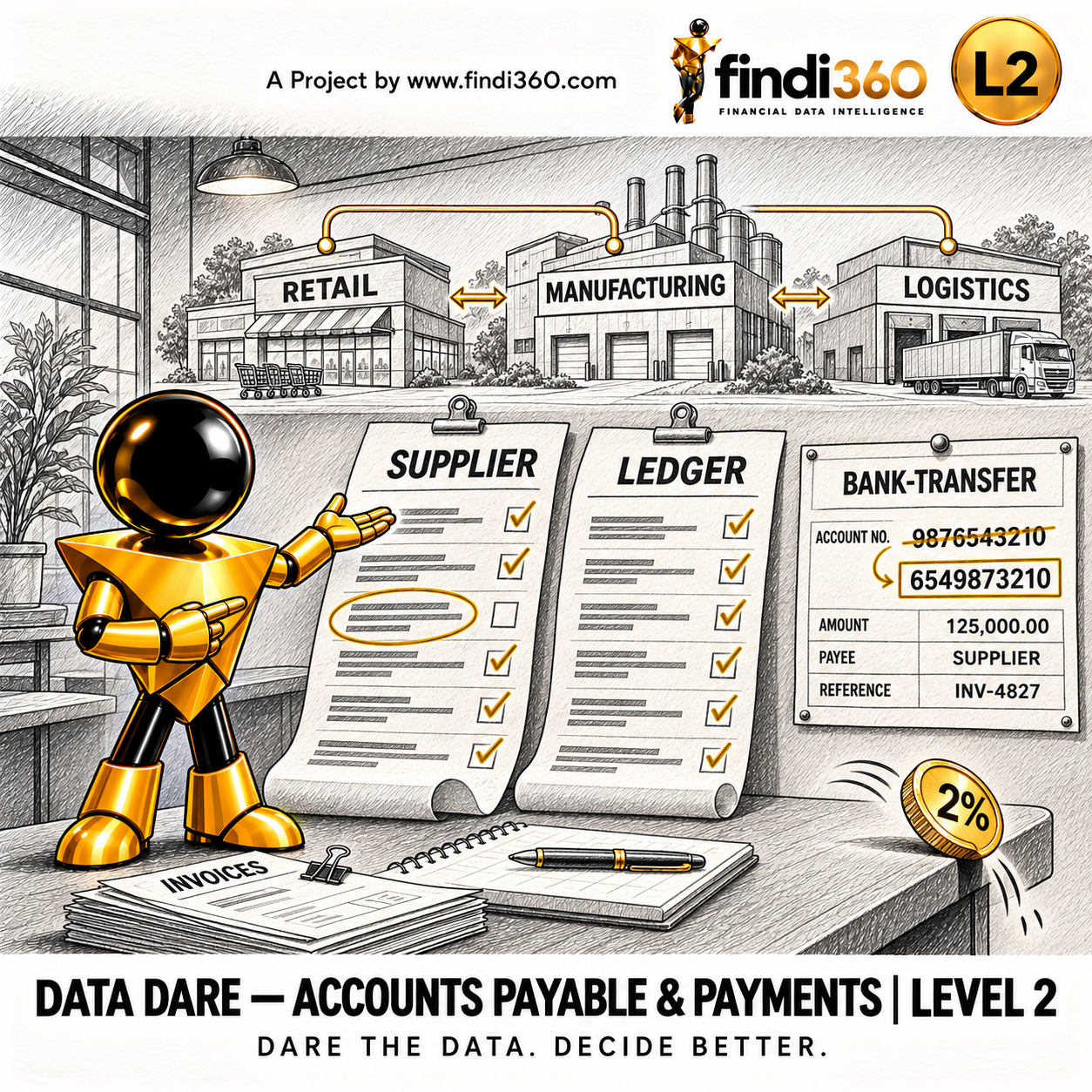
Three Companies, Supplier Statements and a Bank Account That Changed — Accounts Payable & Payments
Work a group payables ledger: append the new period, build a calendar, age payables on posting and invoice dates, measure DPO, reconcile supplier statements, fo...
Get the data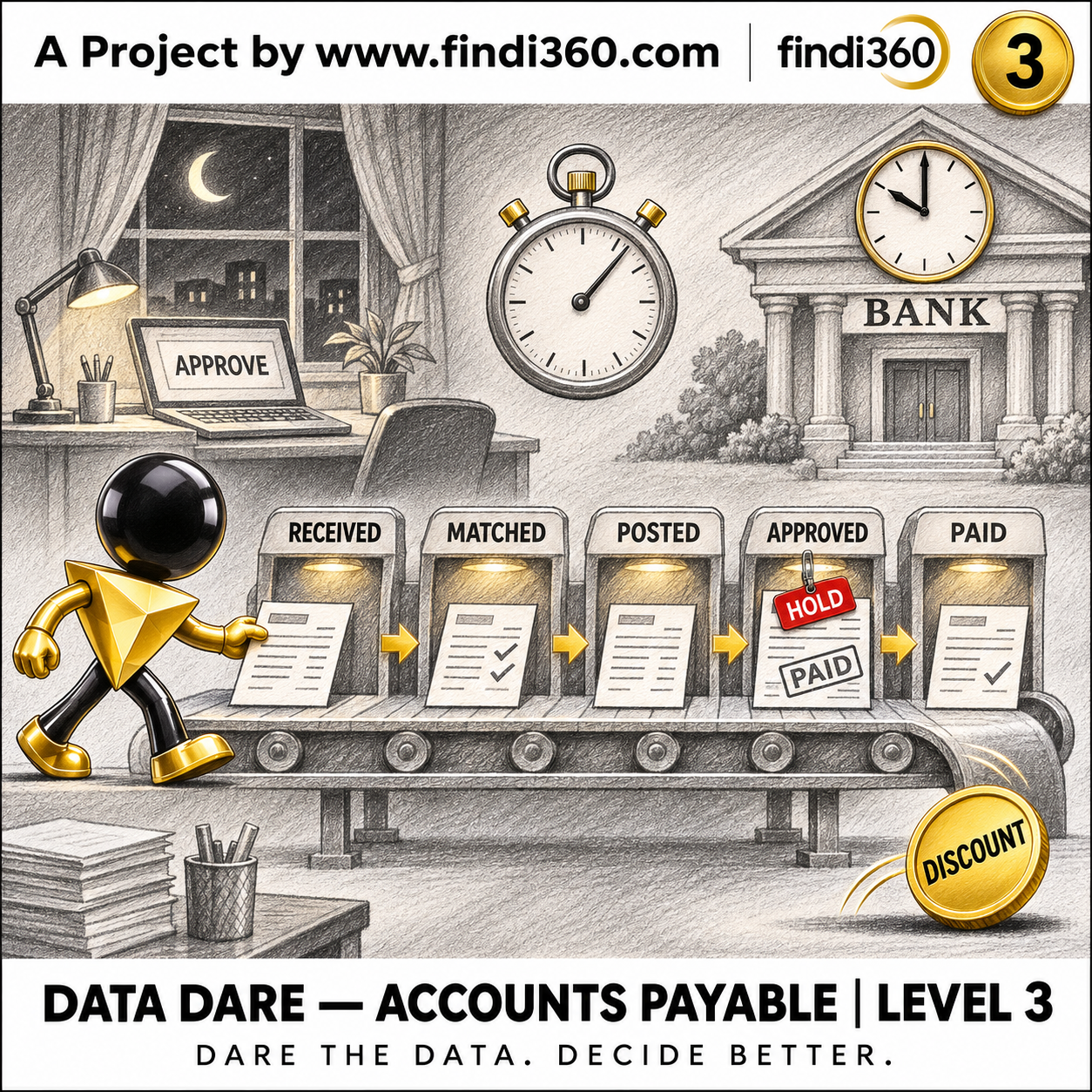
Mizan Group: The Life of a Supplier Invoice — Accounts Payable & Payments
Mine the accounts payable process of a three-company group: cycle times from receipt to payment, touchless processing, match exceptions, holds and supplier quer...
Get the dataThe steps
- Load the supplier invoices, the payments and the suppliers — three sheets of one Excel workbook — and give each invoice its due date: the invoice date plus the supplier's payment terms.
- Take what is owed at the date: invoiced up to it, less paid up to it. Unpaid invoices past their due date are overdue.
- Work out DPO from what is owed and the last three months of supplier invoices.
- Match each payment to its invoice through the ledger journal and measure days to pay, days late and days early.
- Look for duplicates: the same supplier, supplier invoice number and amount posted more than once.
The code
Download the L1 payables set (DD-APY-001) and run this in the folder that holds its Excel workbook. It needs pandas and openpyxl (pip install pandas openpyxl).
import pandas as pd

pd.options.display.float_format = "{:,.2f}".format
workbook = "DD-APY-001_Payables.xlsx"
as_at = pd.Timestamp("2025-12-31")

invoices  = pd.read_excel(workbook, sheet_name="FactSupplierInvoices")
payments  = pd.read_excel(workbook, sheet_name="FactPayments")
suppliers = pd.read_excel(workbook, sheet_name="DimSupplier")

# 1. Owed to suppliers at the date: invoiced up to it, less paid up to it.
#    Each invoice falls due on its date plus the supplier's payment terms.
invoices = invoices.merge(suppliers[["SupplierCode", "PaymentTermsDays"]], on="SupplierCode")
terms = pd.to_timedelta(invoices["PaymentTermsDays"], unit="D")
invoices["DueDate"] = invoices["InvoiceDate"] + terms
inv = invoices[invoices["InvoiceDate"] <= as_at]
paid = payments[payments["PaymentDate"] <= as_at]
owed = inv["Amount"].sum() - paid["Amount"].sum()

# 2. Overdue: unpaid invoices (no payment against their journal by the date) past their due date.
unpaid = inv[~inv["LedgerJournalID"].isin(paid["LedgerJournalID"])]
overdue = unpaid.loc[unpaid["DueDate"] < as_at, "Amount"].sum()
print(f"Owed at {as_at:%d %b %Y}: {owed:,.2f}")
print(f"Overdue: {overdue:,.2f}  ({overdue / owed:.2%} of what is owed)")

# 3. DPO: what is owed / supplier invoices of the last three months x the days in them.
start = as_at - pd.DateOffset(months=3)
bought_3m = inv.loc[inv["InvoiceDate"] > start, "Amount"].sum()
print(f"DPO: {owed / bought_3m * (as_at - start).days:.2f} days\n")

# 4. Payment timing: each 2025 payment against its invoice's dates.
p25 = payments[payments["PaymentDate"].dt.year == 2025].merge(
    invoices[["LedgerJournalID", "InvoiceDate", "DueDate"]], on="LedgerJournalID")
p25["DaysToPay"] = (p25["PaymentDate"] - p25["InvoiceDate"]).dt.days
p25["DaysLate"] = (p25["PaymentDate"] - p25["DueDate"]).dt.days
print(f"Average days to pay in 2025: {p25['DaysToPay'].mean():.2f}")
print(f"Paid more than 7 days late: {(p25['DaysLate'] > 7).mean():.2%} of payments")
print(f"Paid more than 3 days early: {(p25['DaysLate'] < -3).sum()} payments\n")

# 5. Duplicates: the same supplier, supplier invoice number and amount posted again.
#    Blank supplier numbers cannot be checked this way, so they are left out.
keys = ["SupplierCode", "SupplierInvoiceNo", "Amount"]
dup = invoices.dropna(subset=["SupplierInvoiceNo"]).sort_values("InvoiceID")
dup = dup[dup.duplicated(keys, keep="first")]
print("Invoices posted twice:")
print(dup[["SupplierCode", "SupplierInvoiceNo", "InvoiceDate", "Amount"]].to_string(index=False))
still_open = dup[~dup["LedgerJournalID"].isin(payments["LedgerJournalID"])]
print(f"Duplicates still unpaid at 30 Sep 2026: {still_open['Amount'].sum():,.2f}")
What it prints
At 31 December 2025, exactly as the script prints it:
Owed at 31 Dec 2025: 31,869,878.17
Overdue: 2,947,437.62  (9.25% of what is owed)
DPO: 46.50 days

Average days to pay in 2025: 43.50
Paid more than 7 days late: 20.41% of payments
Paid more than 3 days early: 516 payments

Invoices posted twice:
SupplierCode SupplierInvoiceNo InvoiceDate    Amount
     SUP0058       INV-4596338  2023-12-06 25,124.53
     SUP0017       INV-9909342  2024-04-01 31,845.86
     SUP0063       INV-0272427  2024-09-01  8,923.71
     SUP0060       INV-0055597  2024-10-13 46,956.47
     SUP0044       INV-1370136  2026-02-04 33,365.38
     SUP0014       INV-9863338  2026-08-30 14,075.21
Duplicates still unpaid at 30 Sep 2026: 160,291.16
How to read the result
- Mizan Retail owed its suppliers 31,869,878.17 on 31 December 2025; 2,947,437.62 of it, 9.25%, was overdue.
- DPO was 46.50 days, and payments came 43.50 days after the invoice date on average.
- Timing is uneven: 20.41% of payments were more than a week late, while 516 were made more than three days early — cash that could have stayed in the bank longer.
- Six invoices were posted twice. None of the second copies was ever paid, so 160,291.16 of the payables balance at 30 September 2026 is a liability that is not real.
- What is owed, the overdue amount and share, DPO, days to pay, the late and early payments and the duplicates are all questions in the set, so each figure can be checked in its Question Book.
Mistakes this data will catch
- Treating blank supplier invoice numbers as duplicates of each other. A blank number proves nothing; leave those out of the check.
- Matching payments to invoices by supplier and amount. Use the ledger journal reference; two invoices of the same amount are common.
- Measuring lateness from the invoice date. A supplier on 60-day terms paid on day 55 was paid early.
- Counting payments dated after the cut-off date. A payment on 2 January does not reduce what was owed on 31 December.
The next levels
The higher levels (DD-APY-002, DD-APY-003) come as CSV, JSON, Excel and Parquet files and add three companies, supplier statements to reconcile, goods received not invoiced, the general-ledger control account, payment runs and, at L3, the life of each invoice: holds, queries and approvals.
Python or Power BI
Python suits the controls: a duplicate check and a late-payment list run before every payment run. Power BI suits the payables dashboard, where supplier, category and date are slicers.
The course
- Basic Python Course Free recording Basic Python takes you from never having written a line of code to scripts that do real work on your own files. You will cover the language itself, then move quickly to the part th...
- Python for Finance — Automation & Controls Coming soon Python for Finance — Automation & Controls is about the monthly tasks that eat a week and shouldn't. You will automate reconciliations, build controls that check data instead of tr...
- Python for Finance — Advanced Analytics & Reporting Coming soon Python for Finance — Advanced Analytics & Reporting is where the scripts stop being utilities and start producing analysis. You will work with datasets larger than Excel will hold,...
- Python + AI for Finance Workflows Coming soon Python + AI for Finance Workflows is about putting a language model inside a process, not chatting with one. You will build workflows that read documents, extract what matters, che...
- Data Transformation in Python — At Scale Free recording One export of 6.18 million dirty rows, cleaned in Python and reconciled to a total you can defend. For Power Query users who have never written Python. Amounts stored as text, thre...